Coding Notebook
How to reset your forgotten password in PostgreSQL
January 12, 2019
The moment you realize the problem
It’s a good practice even for your local DB server to provide a password for each user. PostgreSQL’s default user (who is also an admin) is postgres.
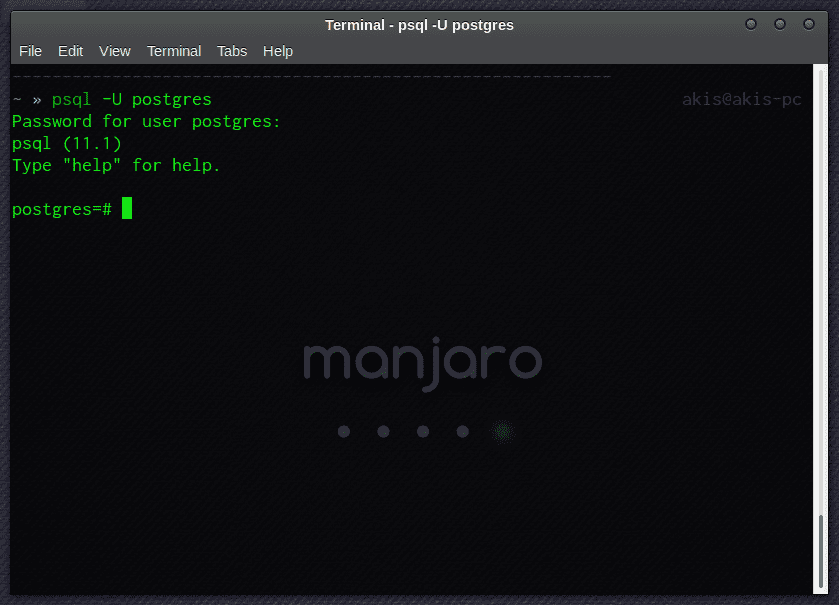
A standard method to get access to our DB is using psql command via terminal (I’m running Manjaro Linux). So, we type:
psql -U postgresWe enter our password and we get the message
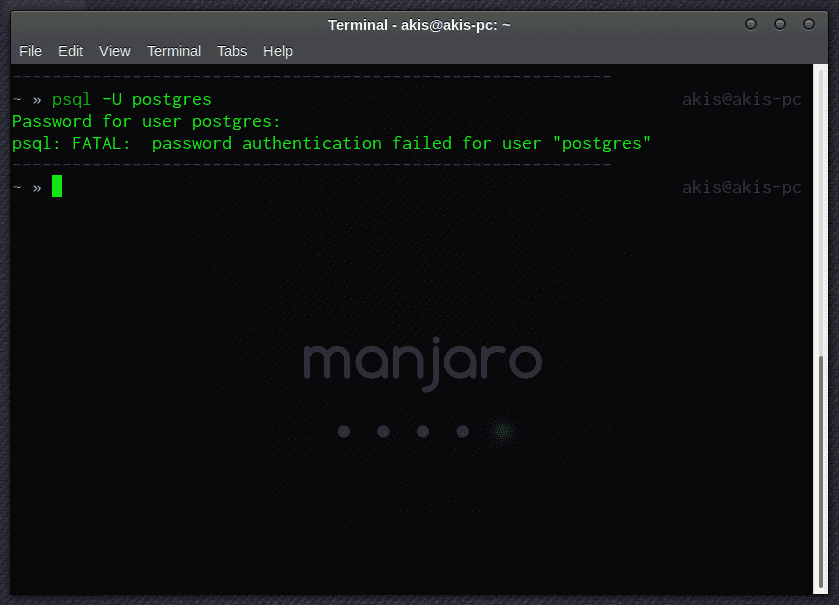
Don’t Panic!
First of all, we must find the “PostgreSQL Client Authentication Configuration File”, which has the name pg_hba.conf. In Manjaro, it lives in path /var/lib/postgres/data/pg_hba.conf. Be careful that it is required to have root permissions.
sudo nano /var/lib/postgres/data/pg_hba.conf
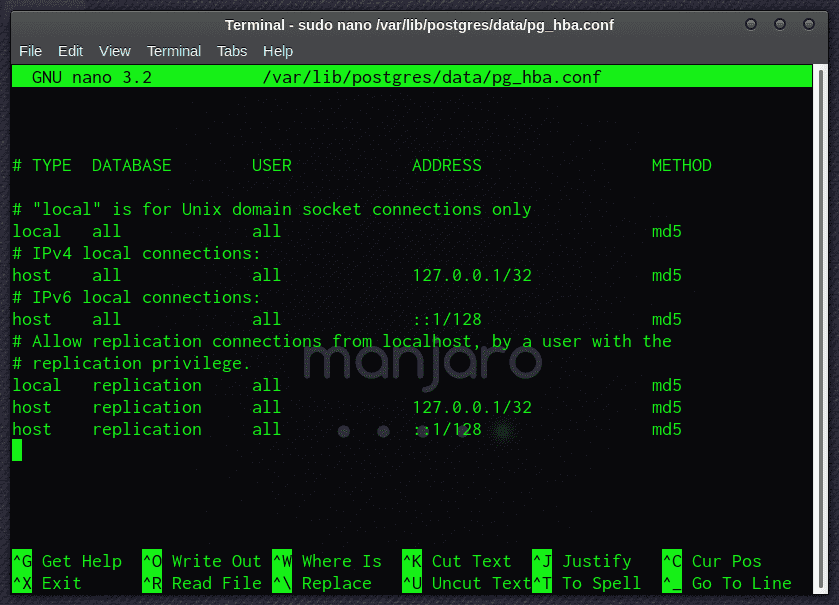
We change the md5 authentication in “local” connection to trust
local all all trustand we restart our server
sudo systemctl restart postgresqlNow PostgreSQL doesn’t ask a password and we are allowed to connent with user postgres
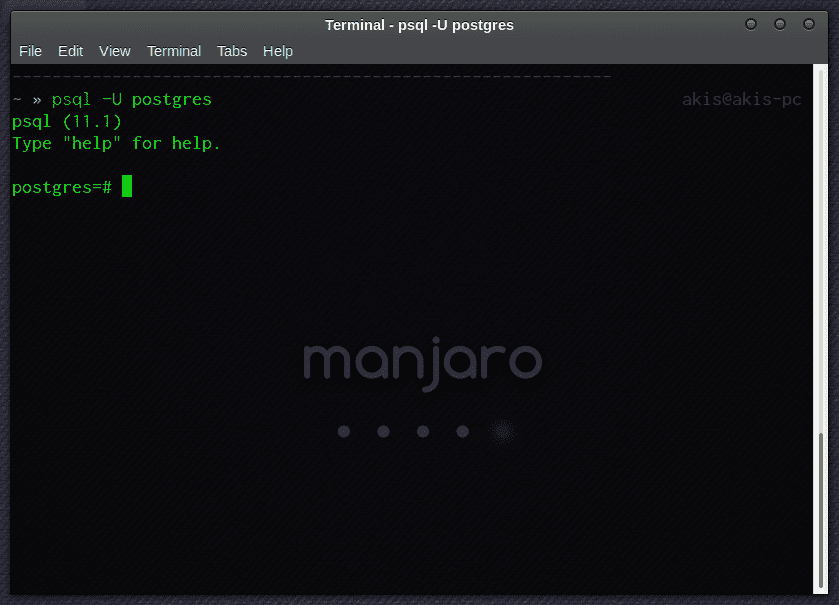
Next step is to reset the password
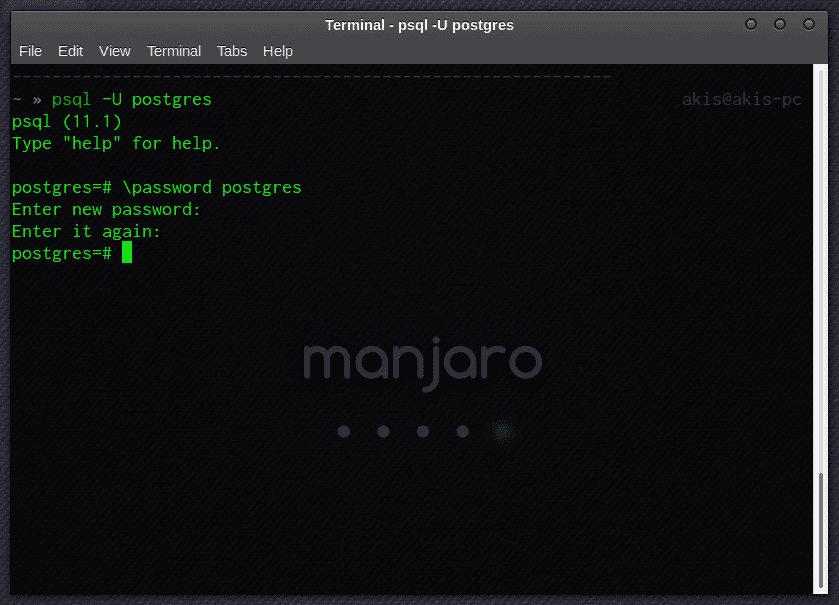
We exit psql, we turn back pg_hba.conf to it’s previous state (md5 authentication) and we restart the server. We are able to connent using our new password for user postgres.

Personal blog by Theoklitos Bampouris who lives in Athens (Greece), working as a Software Developer. You should follow him on Twitter